Sign In to the Platform
Sign in to the Loc.ai platform to access your dashboard, manage connected devices, deploy AI models, monitor system activity, and control all platform features from one secure interface.
You can sign in using Google or GitHub SSO for quick signup/sign in. Or you can follow the steps below to sign up/sign in using an email.
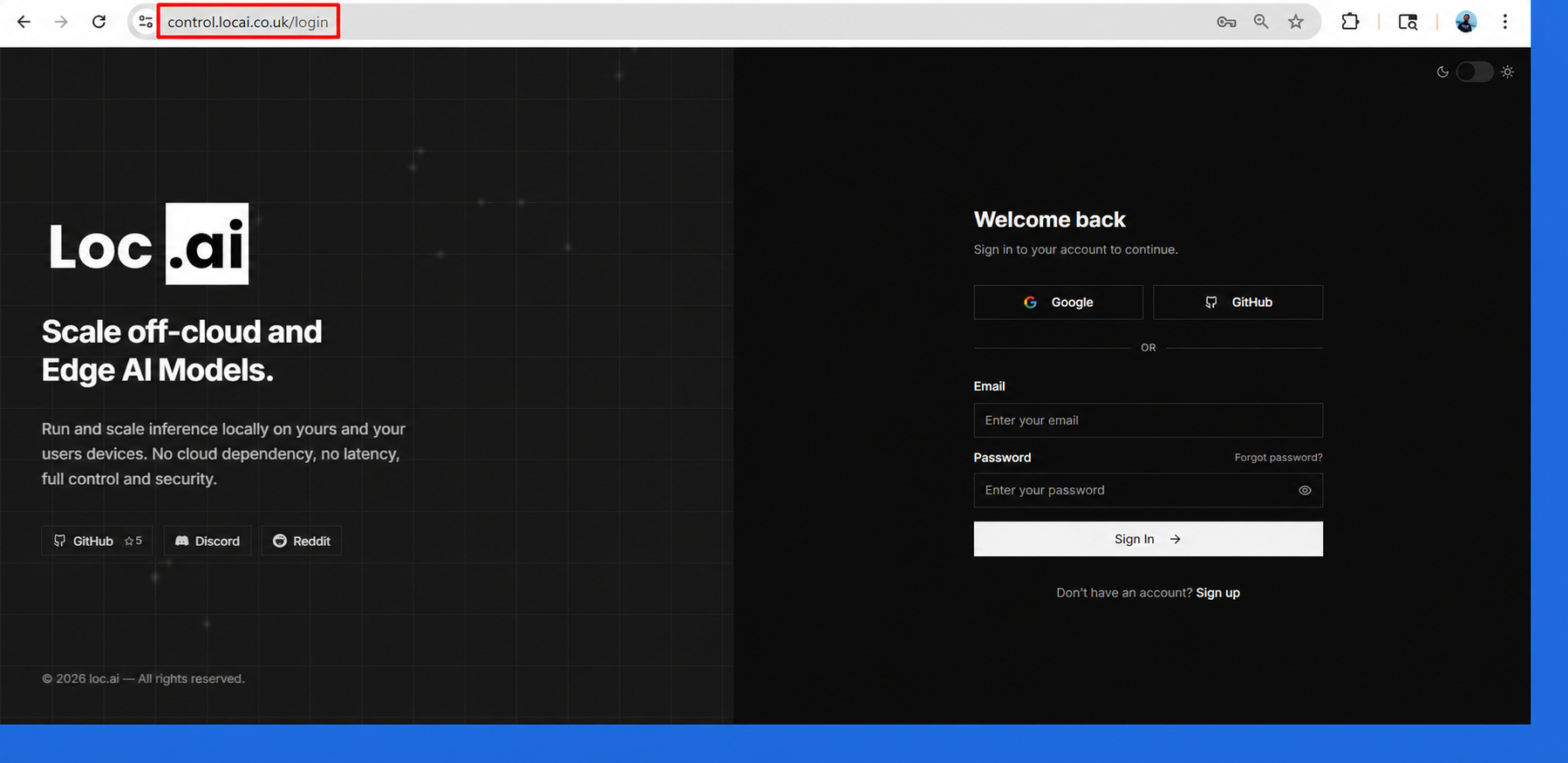
Step 1: Open your browser and go to control.locai.co.uk/login to access the Loc.ai Control Platform login page.
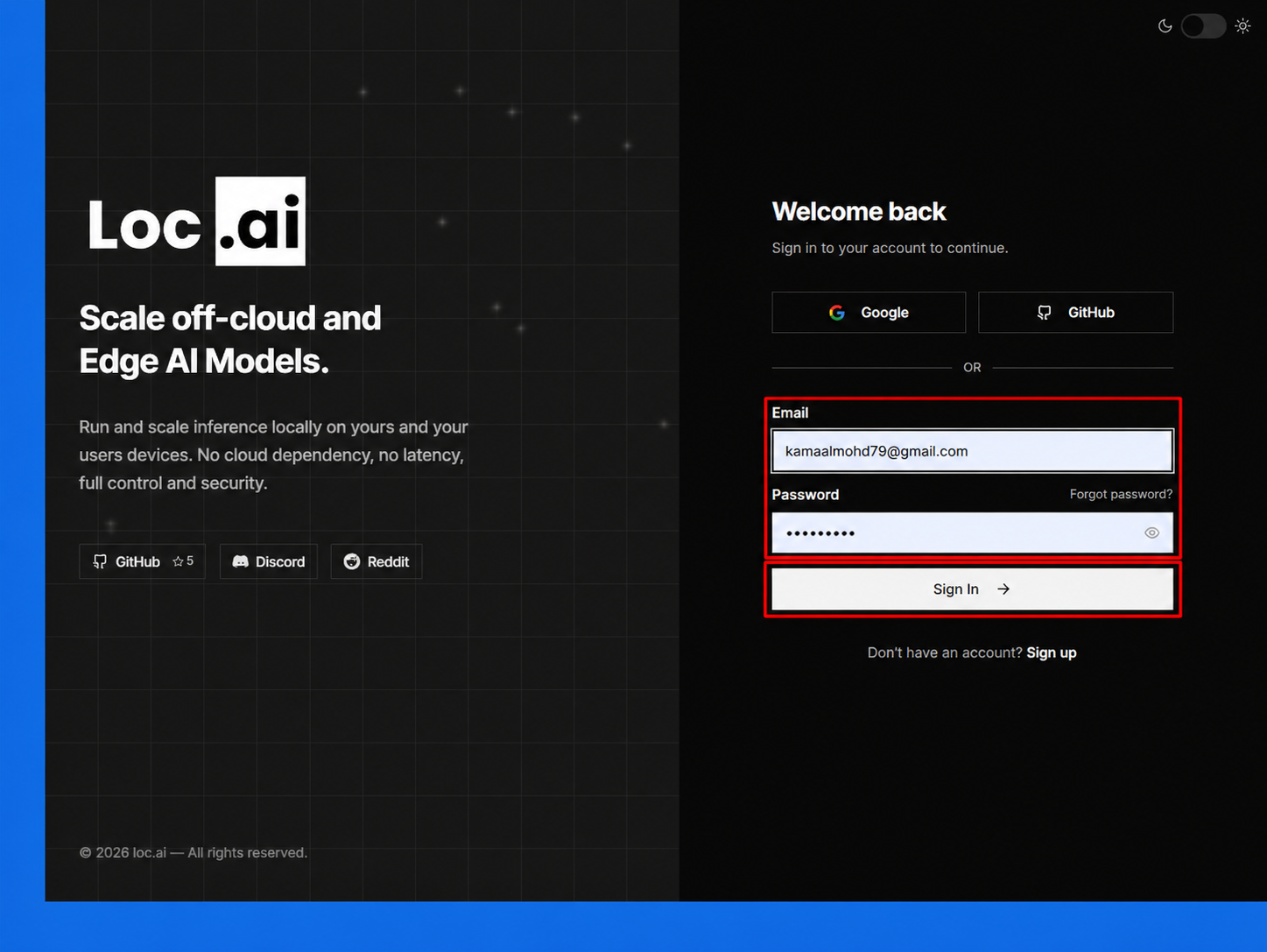
Step 2: Enter your email address and password, then click Sign In button to access your account. If you are a new user, click Sign Up button to create an account.
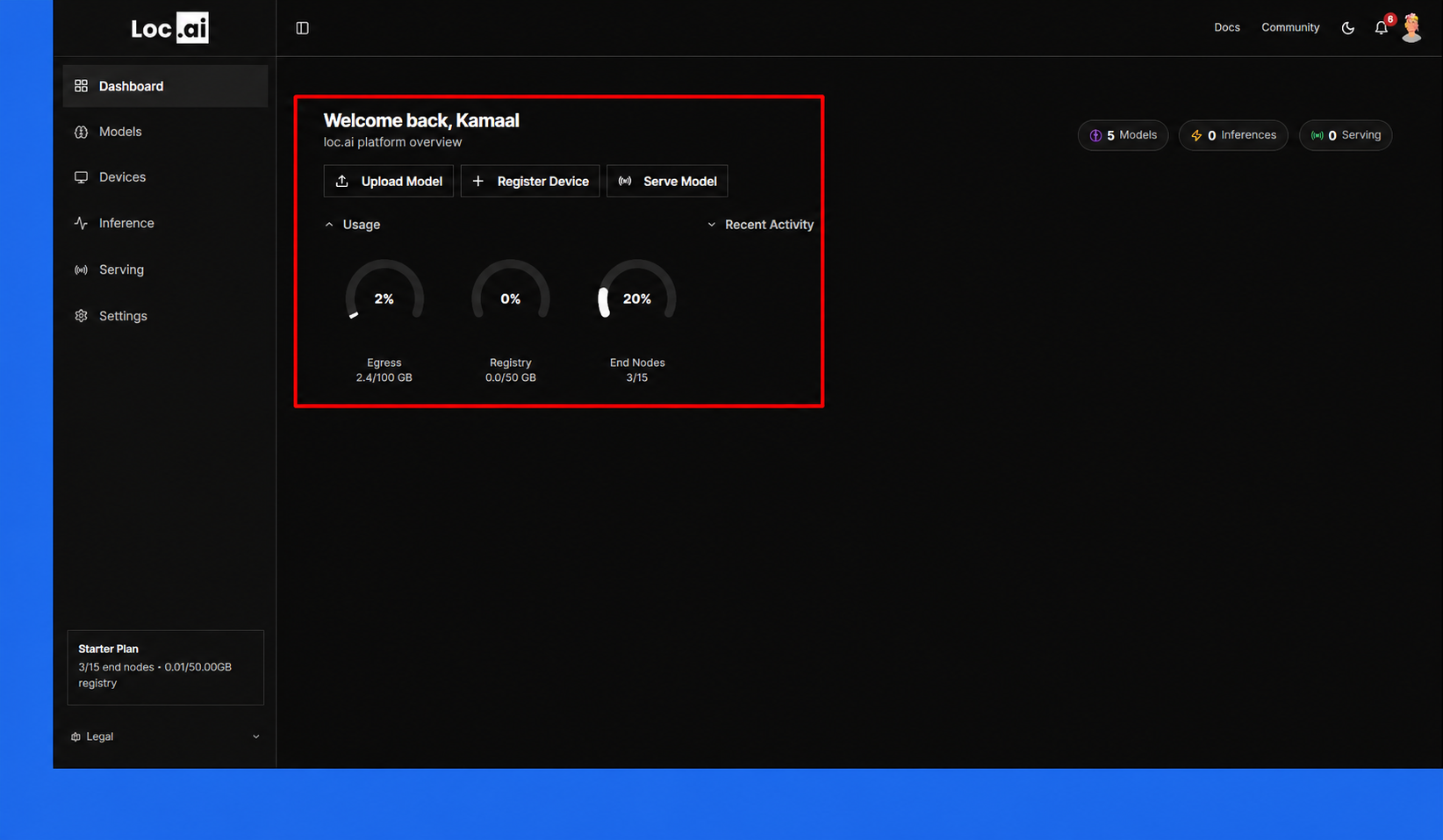
Step 3: After signing in, the dashboard will open where you can manage devices, upload models, run inference, monitor usage, and access all Loc.ai platform features.
Now you can register a device.
After signing in for the first time, a guided Setup Wizard appears automatically to walk you through registering a device and deploying a model without leaving the page. See Setup Wizard for a full walkthrough.