Restarting Loc.ai Link
If you have already installed Loc.ai Link, you do not need to repeat the registration process. If you closed the Loc.AI Link terminal or exited the application, simply reopen a terminal window, navigate to the Loc.ai Link installation directory, and run the startup command again to resume Loc.ai Link and make your device available for inference.
When Do You Need This?
- You previously set up Loc.ai Link and it was working.
- You have since closed the terminal or application window.
- Your device is no longer showing as connected in the Loc.ai dashboard.
Steps to Restart Loc.ai Link
Step 1: Navigate to the Loc.ai Link Folder
Using File Explorer, navigate to the Loc.ai Link installation directory. Verify that the address bar displays the locai-link folder before proceeding.
cd /path/to/locai-link
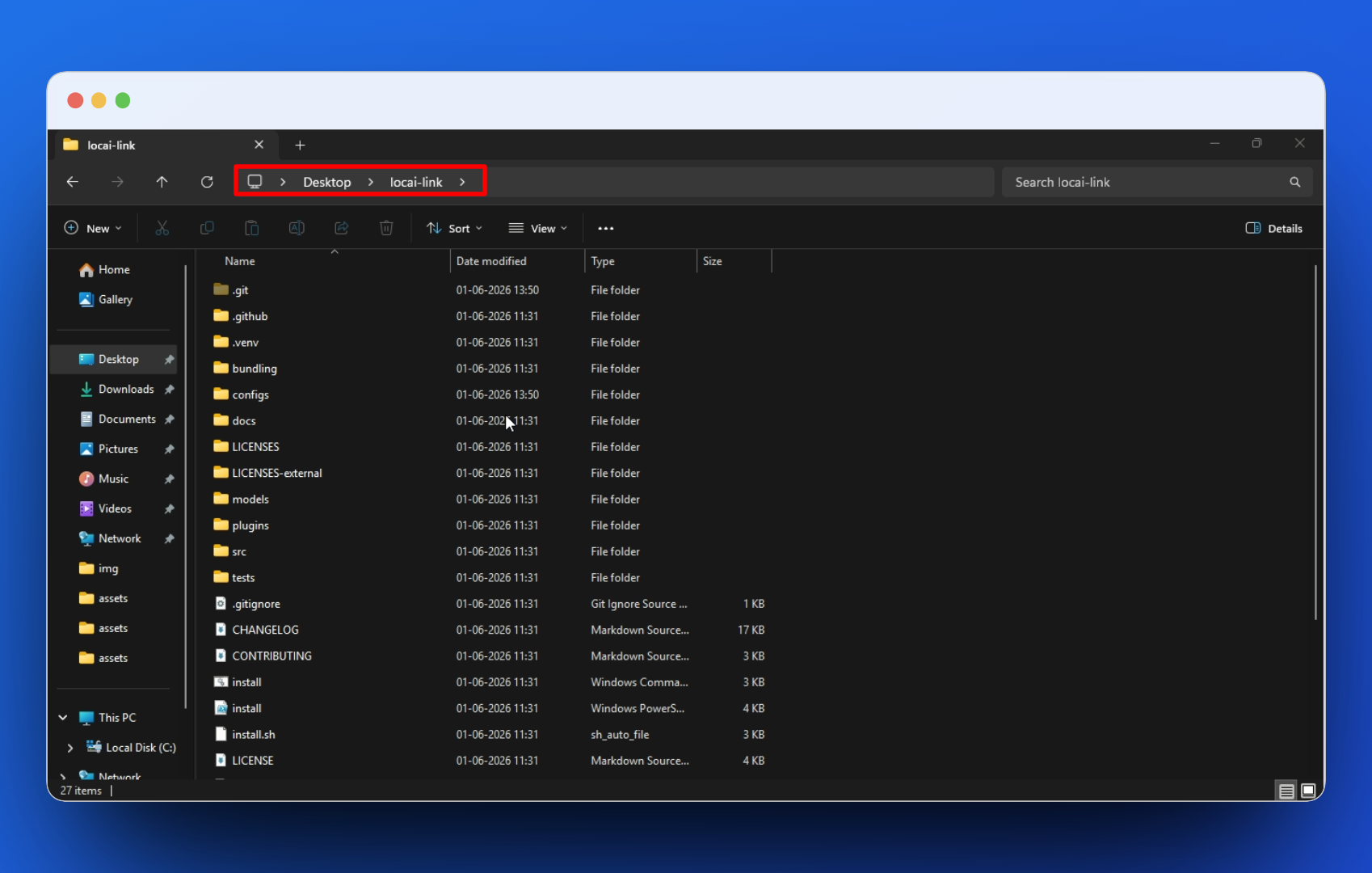
Replace /path/to/locai-link with the actual path on your machine. This is the same folder you used during the initial setup.
Step 2: Run Locai:Link
Execute the following command in (CMD):
uv run main.py run
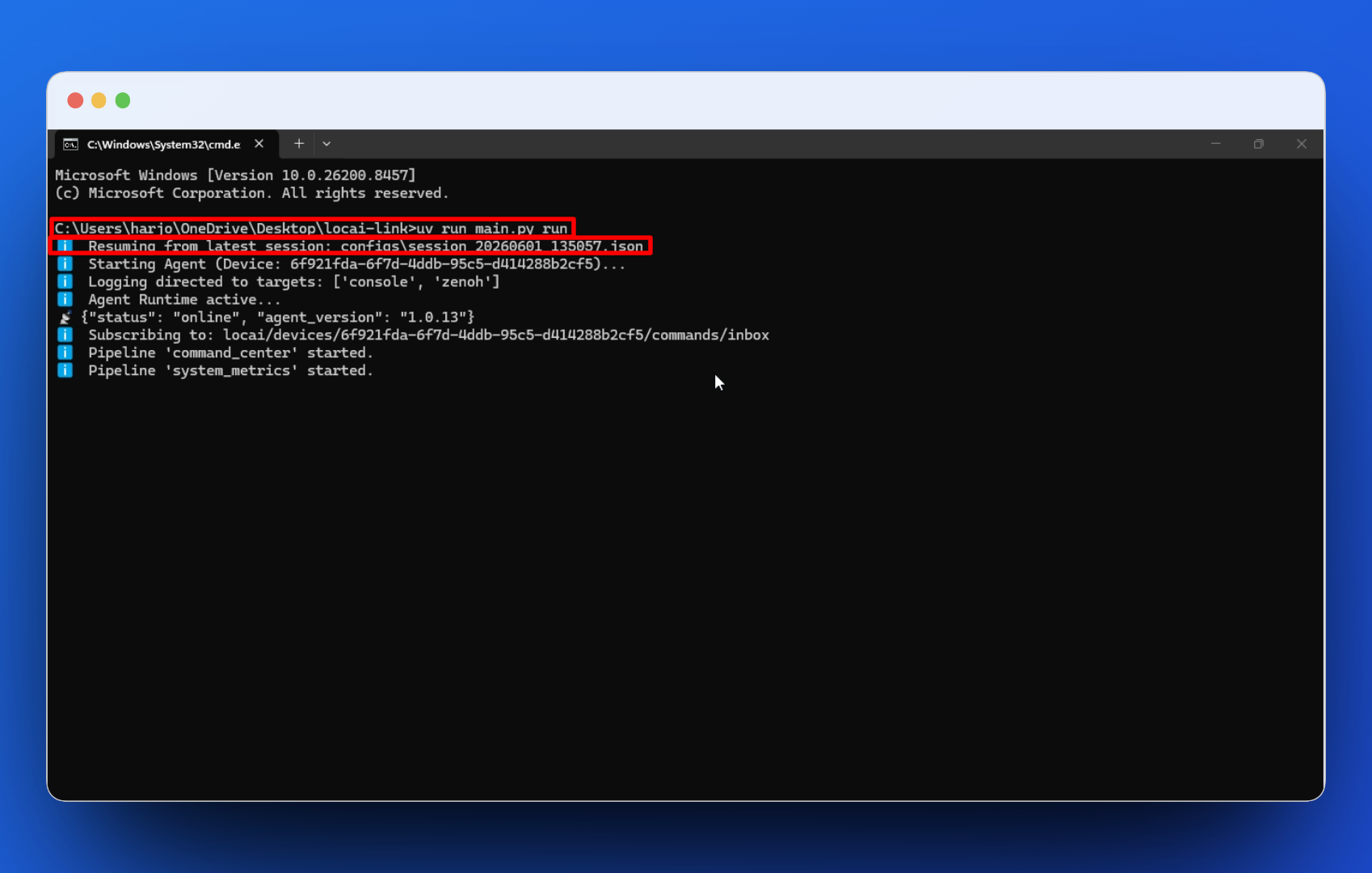
Step 3: Confirm Locai:Link is Online
Locai:Link will start and your device will reconnect to the platform.
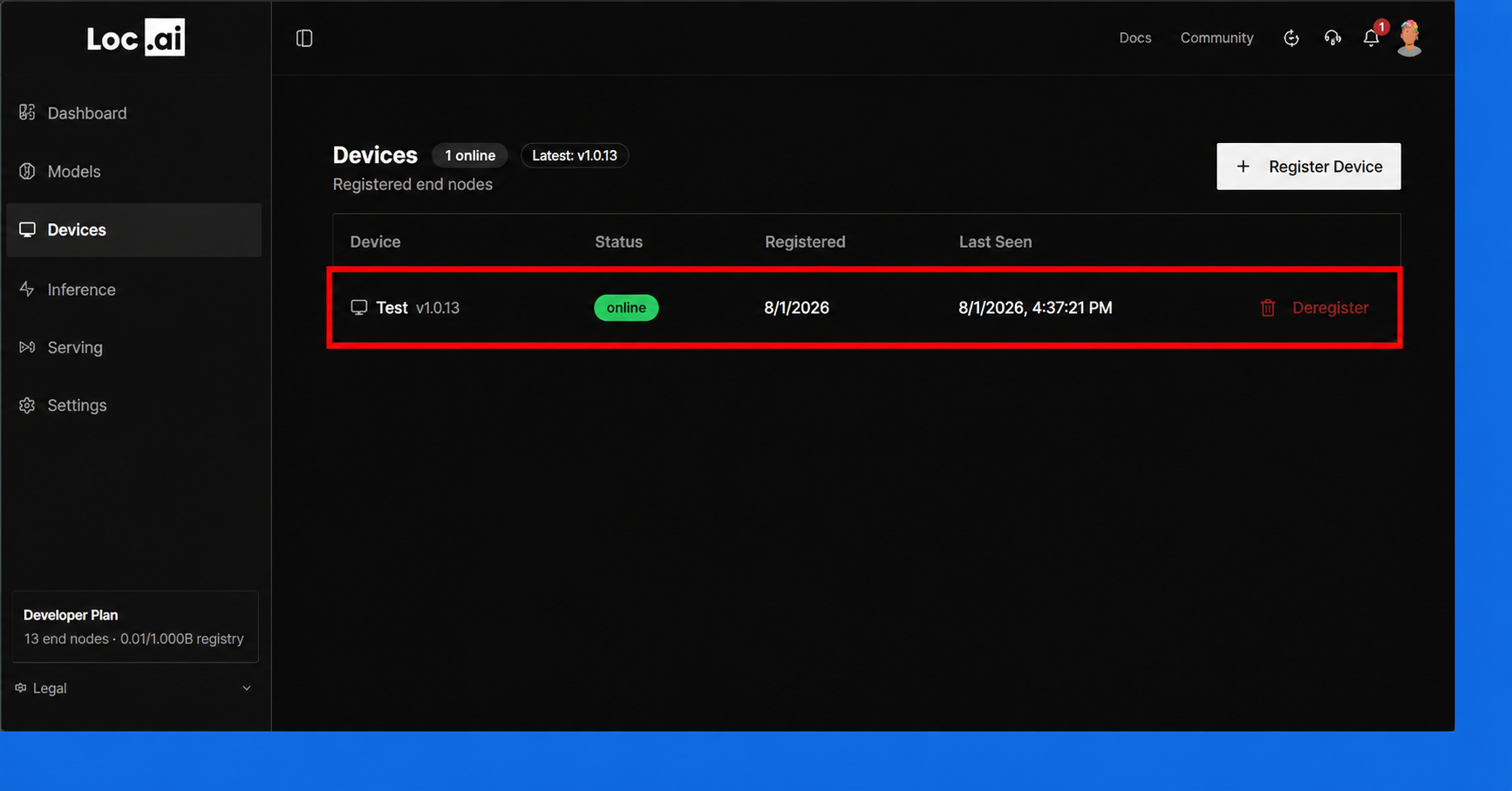
You will need to repeat these steps each time you close Loc.ai Link Terminal and want your device to be available for inference.